How to Get More Google Reviews: The Complete Guide 2026
15 proven strategies to get more Google reviews. QR codes, emails, SMS, optimal timing. Practical guide with free templates.

How to Get More Google Reviews: The Complete Guide 2026
You have satisfied customers, but they don't leave reviews. Your Google listing stagnates with a handful of comments while your competitors accumulate dozens.
This guide gives you 15 concrete strategies to turn your satisfied customers into advocates who leave 5-star reviews.
Why Google Reviews Are Essential
Impact on visibility
Google uses reviews as a local ranking factor. The more recent, positive reviews you have:
- The higher you appear in local results
- The more visible you are on Google Maps
- The more clicks your listing attracts
Impact on conversion
Reviews directly influence purchasing decisions:
- 93% of consumers read reviews before buying
- 84% trust reviews as much as personal recommendations
- A 0.1-star increase can boost conversions by 25%
The problem: satisfied customers stay silent
Unhappy customers leave reviews spontaneously. Satisfied customers move on with their day. Without a proactive strategy, your Google listing mainly reflects negative experiences.
The solution: ask systematically.
15 Strategies to Get More Reviews
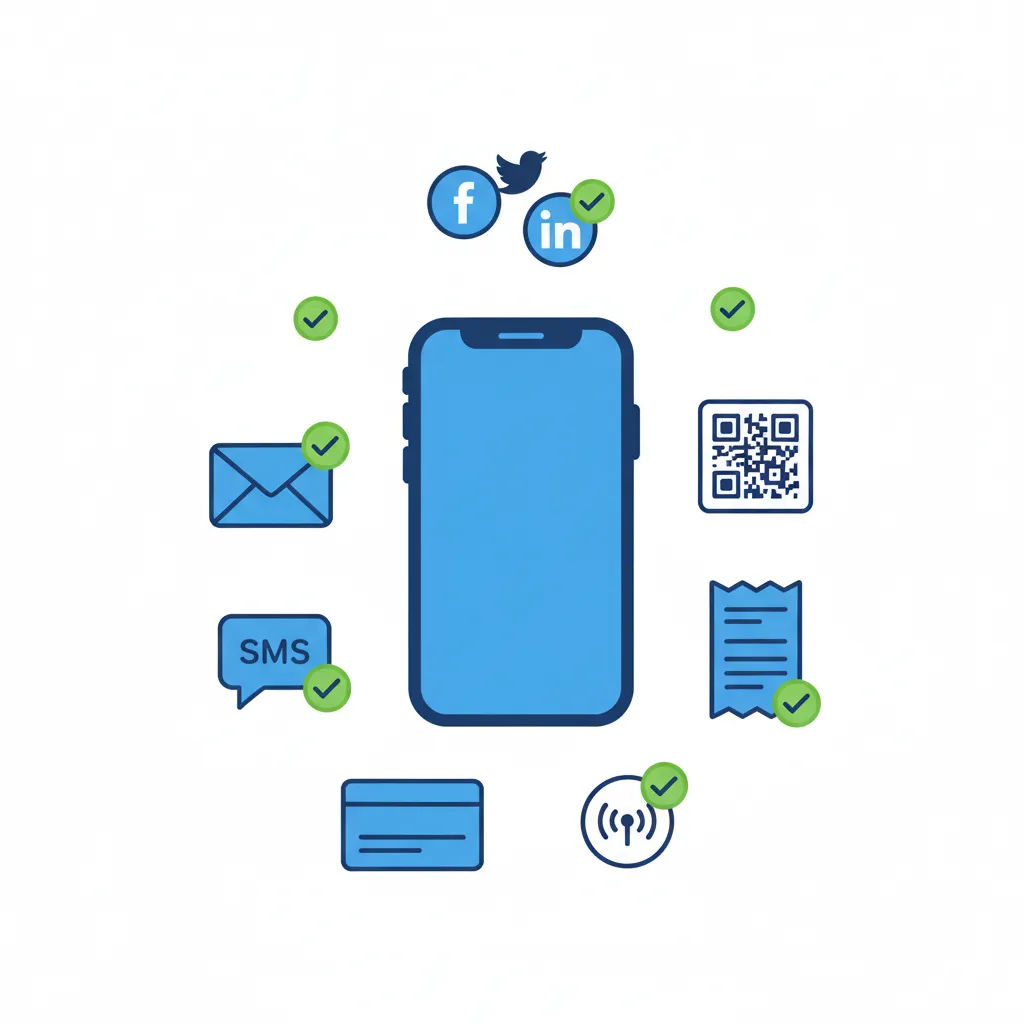
Strategy 1: On-Site QR Code
Principle: Make your Google listing easily accessible with a visible QR code.
Where to place it:
- At the counter / register
- On tables (restaurants)
- On business cards
- On receipts and invoices
- In the waiting room
- On your storefront window
How to create the direct link:
- Go to Google Business Profile
- Home → "Ask for reviews"
- Copy the short link
- Generate a QR code (qr-code-generator.com)
Sign template:
Your feedback matters! ⭐⭐⭐⭐⭐

Happy with your experience?
Share it in 30 seconds!

[QR CODE]

Thank you for your trust 🙏
Strategy 2: Post-Purchase Email
Principle: Send a follow-up email requesting a review after each transaction.
Optimal timing:
- Services: 24-48 hours after completion
- E-commerce: 3-5 days after delivery
- Restaurant: Same evening or next day
- Hotel: Day of checkout
Email template:
Subject: We'd love your feedback, [First Name]!

Hi [First Name],

Thank you for choosing [Company] for [service/purchase].

Your satisfaction is our priority. If you enjoyed your
experience, would you take 30 seconds to share your
thoughts on Google?

👉 [BUTTON: Leave a Review]

Your feedback helps other customers discover us and
helps us keep improving.

Thank you so much!

[Signature]

P.S. Had an issue? Reply directly to this email —
we'll take care of it personally.
Key points:
- Personalize with first name
- Single call-to-action (Google link)
- Offer an alternative if unhappy (prevents public negative review)
Strategy 3: SMS Follow-Up
Principle: SMS has a 98% open rate vs 20% for email.
SMS template:
Hi [First Name]! Thanks for visiting [Company].
Happy with your experience? A Google review would
mean a lot: [short link]
Thank you! 🙏
Best practices:
- Send within 2-4 hours of the visit
- Use a short link (bit.ly or native Google link)
- Keep under 160 characters if possible
- Respect business hours (not after 8pm)
Strategy 4: Face-to-Face Request
Principle: Direct requests remain the most effective. A customer who says "yes" in person is 3x more likely to leave a review.
Script for your team:
"So glad everything went well! If you have 30 seconds,
a quick Google review would really help us out.
Want me to text you the link?"
When to ask:
- After a spontaneous compliment
- At the end of a successful service
- When the customer expresses satisfaction
- At payment (if positive context)
Team training:
- Identify "satisfaction moments"
- Provide a simple script
- Set a goal (e.g., 3 asks per day)
Strategy 5: Thank You Card
Principle: Include a physical card with every order or after every service.
Card template:
THANK YOU! 🙏

Your satisfaction makes our success.

A Google review helps us grow:
[QR Code] or [short link]

See you soon!
The [Company] Team
E-commerce variant: Card in the package with handwritten (or handwritten-style) personal message.
Strategy 6: Email Signature
Principle: Every email your team sends becomes an opportunity.
Signature addition:
--
[First Last]
[Title] | [Company]
[Phone]

⭐ Happy with our service? Leave us a Google review!
Strategy 7: Phone Follow-Up
Principle: For high-value services, a follow-up call humanizes the relationship.
Script:
"Hi [First Name], this is [Name] from [Company].
I'm calling to make sure everything went well with
[service].

[Listen to feedback]

Great, I'm so glad! If you have 2 minutes, a Google
review would really help us out. I'll text you the
link right after this call — sound good?"
Strategy 8: Loyalty Program
Principle: Integrate review requests into your loyalty program.
Examples:
- "Leave a review and earn 50 loyalty points"
- "Google review = 10% off your next order"
- "Share your experience and receive [gift]"
Warning: Google prohibits buying reviews or offering incentives conditional on a positive review. You can encourage leaving a review (any review), not leaving a positive one.
Strategy 9: Social Media
Principle: Your followers are your most engaged customers.
Regular posts:
Have you visited us recently? 🙏

Your Google review helps us grow and helps other
customers discover us.

30 seconds of your time = a huge boost for us!

👉 [Link in bio]
Instagram Stories: Use the "Link" sticker to your Google listing.
Strategy 10: Thank You Page (E-commerce)
Principle: After an online purchase, the confirmation page is a moment of satisfaction.
Page addition:
Order confirmed! 🎉

While you wait for your package, why not share
your shopping experience?

[Button: Leave a Google Review]
Strategy 11: Smart Reminder
Principle: Some customers forget. A gentle reminder can convert.
Reminder email (Day 7):
Subject: A quick reminder, [First Name] 😊

Hi [First Name],

Last week I sent you a link to share your
Google review.

If you haven't had time yet, here's the link again:
👉 [Leave a Review]

It only takes 30 seconds and helps us tremendously.

Thanks in advance!

[Signature]
Rule: Maximum 1 reminder. More risks annoying customers.
Strategy 12: In-Store Review (Tablet)
Principle: For physical stores, a tablet at checkout enables immediate reviews.
Setup:
- Tablet on stand near register
- Google page open and ready
- Stable Wi-Fi connection
- Message: "Leave a review in 30 seconds!"
Advantage: Customer doesn't need their phone, process is immediate.
Strategy 13: Cross-Partnership
Principle: Exchange visibility with complementary businesses.
Example:
- A restaurant recommends a hotel → hotel recommends restaurant
- A hair salon recommends an esthetician → reciprocity
Application to reviews: "If you leave a review for our partner [X], mention you came from us!"
Strategy 14: Responses That Generate Reviews
Principle: When you respond to a positive review, other customers see it and are encouraged to do the same.
Response template:
Thank you so much for this feedback, [First Name]! 🙏
Your review means a lot to our whole team.
See you soon!
Customers who see you respond are 2x more likely to leave a review themselves.
Strategy 15: Special Event
Principle: Leverage key moments to solicit reviews.
Occasions:
- Business anniversary
- New product/service launch
- Holiday season
- Reaching a milestone (100 customers, etc.)
Message:
🎂 [Company] is turning 5!

To celebrate, help us reach 100 Google reviews.
Every review counts!

👉 [Link]

Thank you for being part of the journey! 🙏
Optimal Timing by Industry
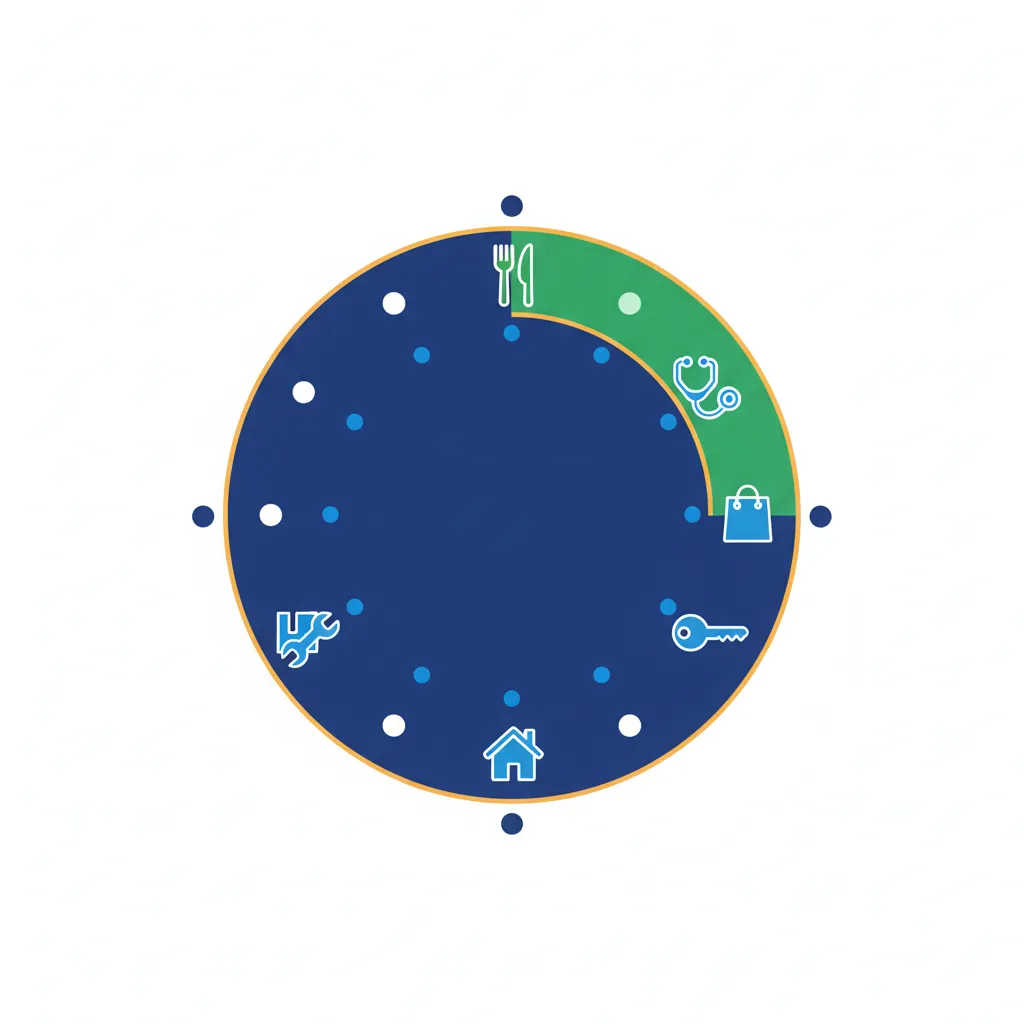
| Industry | Best moment | Preferred channel |
|---|---|---|
| Restaurant | Same evening / next day | SMS |
| E-commerce | 3-5 days after delivery | |
| Hotel | Day of checkout | Email + front desk |
| Auto repair | 24h after pickup | SMS |
| Hair salon | 2-4h after appointment | SMS |
| Healthcare | 24-48h after visit | |
| Home services | 24h after service | SMS + face-to-face |
Mistakes to Avoid
❌ Buying fake reviews
Google detects and removes fake reviews. Your listing can be suspended. Don't take this risk.
❌ Offering incentives for positive reviews
"Leave a 5-star review and get 10% off" is prohibited. You can encourage leaving a review, not making it positive.
❌ Asking people who were never customers
Reviews should reflect real experiences. Asking friends or family is counterproductive.
❌ Harassing customers
One email + one reminder maximum. Beyond that, you create frustration.
❌ Ignoring negative reviews
Respond to all reviews, positive and negative. Customers see that you're engaged.
Measuring Your Results
KPIs to track
| Metric | Goal |
|---|---|
| Reviews / month | +20% vs previous month |
| Average rating | > 4.3 stars |
| Review response rate | 100% |
| Average response time | < 48h |
Tracking tools
- Google Business Profile: Native analytics
- Google Alerts: New mention notifications
- ReplyStack: Centralized tracking + AI responses
7-Day Action Plan
| Day | Action |
|---|---|
| Day 1 | Create your Google short link + QR code |
| Day 2 | Display QR code on-site (counter, tables, window) |
| Day 3 | Set up automated post-purchase email |
| Day 4 | Add link to your email signature |
| Day 5 | Train your team on face-to-face requests |
| Day 6 | Post on your social media |
| Day 7 | Respond to all existing reviews |
Automate with ReplyStack
Collecting reviews is great. Responding to them systematically is even better.
ReplyStack lets you:
- Respond to all reviews in 1 click with AI
- Maintain a 100% response rate
- Encourage new reviews (customers see you respond)
- Save hours every month
→ Try ReplyStack Free — 15 responses/month
Conclusion
Getting more Google reviews isn't about luck. It's about systems.
Businesses that accumulate reviews have simple processes in place:
- They ask systematically
- They make it easy (QR code, direct link)
- They respond to every review
Start with 2-3 strategies from this guide. Measure results. Adjust. Within weeks, you'll see the difference.
See also: How to Respond to Negative Reviews • 20 Review Response Templates
ReplyStack Team
Review Management Experts